

Welcome to the user guide for "Guilty as Sock!". This document will guide you through the steps needed to install and play the game on your Twitch stream.
TWITCH CONNECTION SETUP
Connecting to Twitch allows you to use the « Twitch Jurors » feature to start a poll in the chat, and lets viewers vote using !guilty/!g or !notguilty/!ng throughout the trial.
IMPORTANT: This setup must be done before launching the game, and the related options must be enabled by the host (the one hosting the game) for it to work.
Also note that linking channel from MOZILLA FIREFOX won’t work!
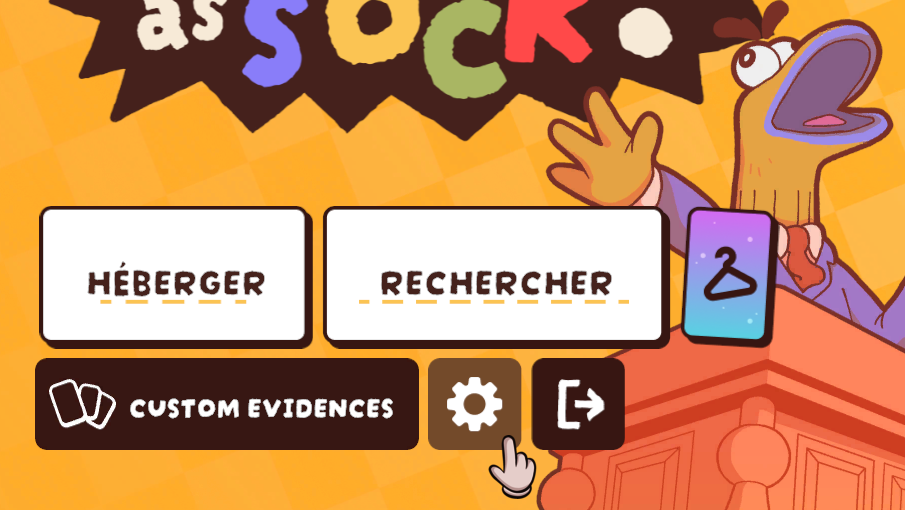
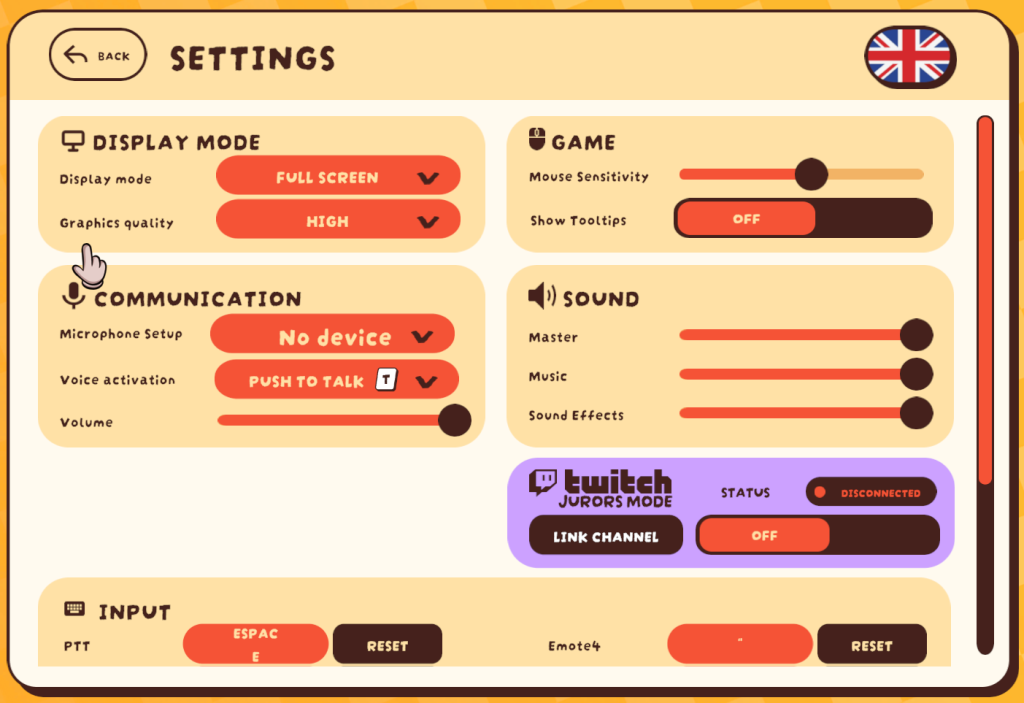
From the main menu, click on the gear icon (Settings).
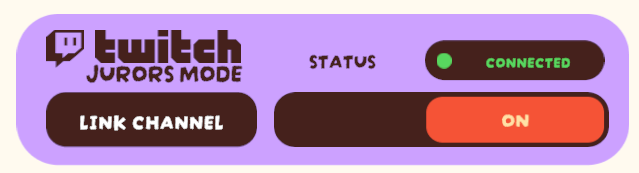
The settings will open. The Twitch feature is located in the purple box.
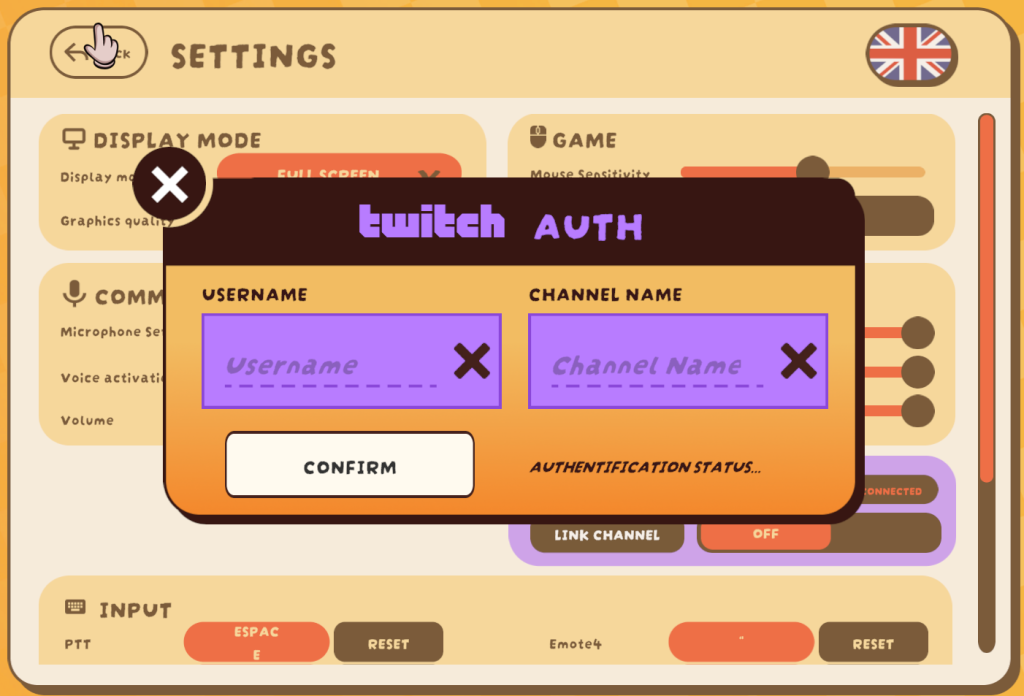
Click on « Link Channel. » A pop-up will open.
Enter your TWITCH USERNAME and CHANNEL NAME. If they are the same, enter the same information in both fields.
The inputs « Channel Name » is probably the same as « Username« , don’t put the URL otherwise it’ll flag as « connected« , then “disconnect” and so on!
(Password is not required!)
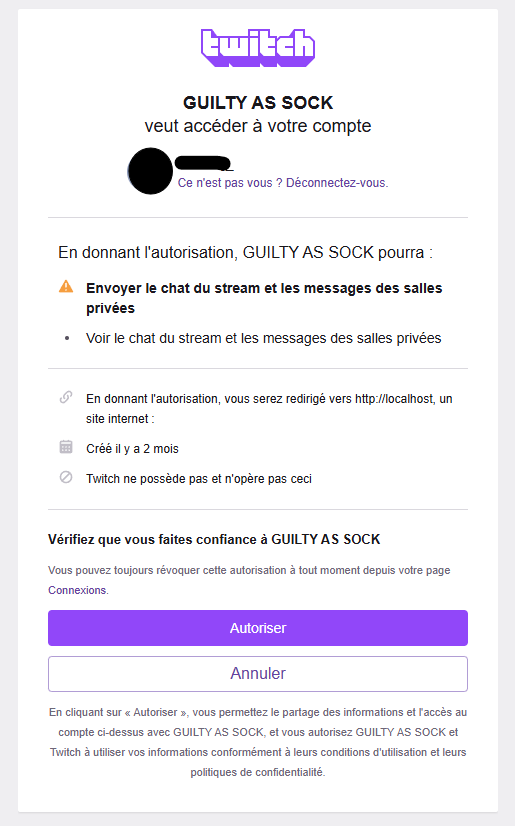
Clicking on « Confirm » will open your default browser asking for authorization to access the chat.
Click « Authorize ». Normally, when you return to the game, to the right of the « Confirm » button, you should see:
If you don’t see this message, repeat the process.
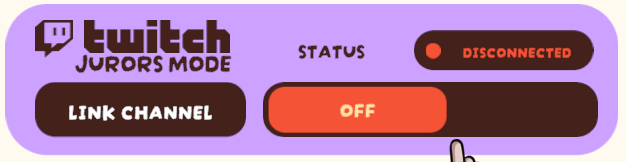
Close the Twitch Auth pop-up, then switch from « OFF » to « ON » to enable the feature in-game.
The status should change DISCONNECTED from to CONNECTED.
If you no longer want to use these features, simply click on « ON » again to turn it « OFF. »
Your account will then be disconnected.
REQUIRED ROLES
These roles are essential for the game to proceed:
JUDGE
The judge is the arbiter of the trial. They control speaking turns between the defense and prosecution and can stun players who misbehave. The gavel has 3 positions.
Gives the floor to a lawyer. Allows them to present evidence.
Delivers the verdict:

NOT GUILTY

GUILTY

Calls or dismisses a witness.

(Red = prosecution, Blue = defense)
Twitch Polls can be started by the judge via the scale on their desktop.
Viewers can also vote at any time using !guilty/!g or !notguilty/!ng.
PROSECUTOR
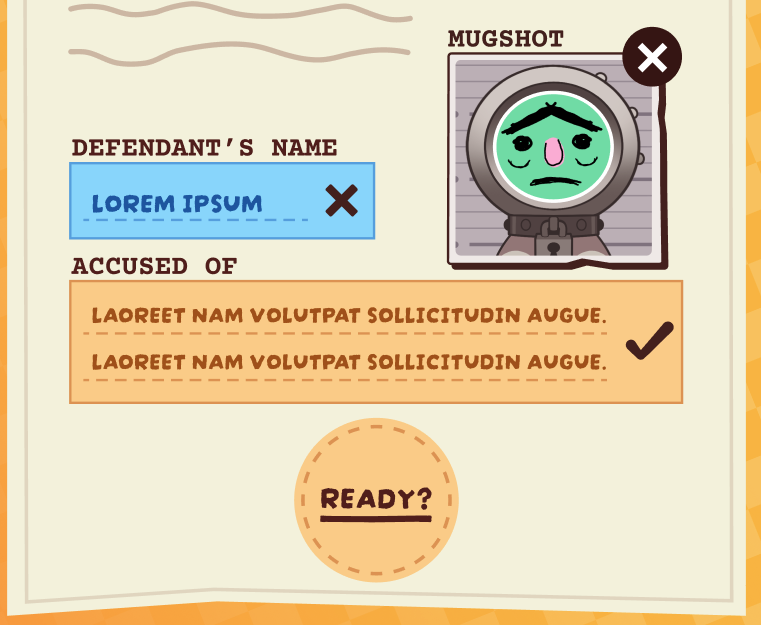
The prosecutor must prove the accused is guilty. At the start of the trial, they write the charges as « X is accused of Y »
They can import a photo for the accused.
Note that for now, importing doesn’t work on Mac OS.
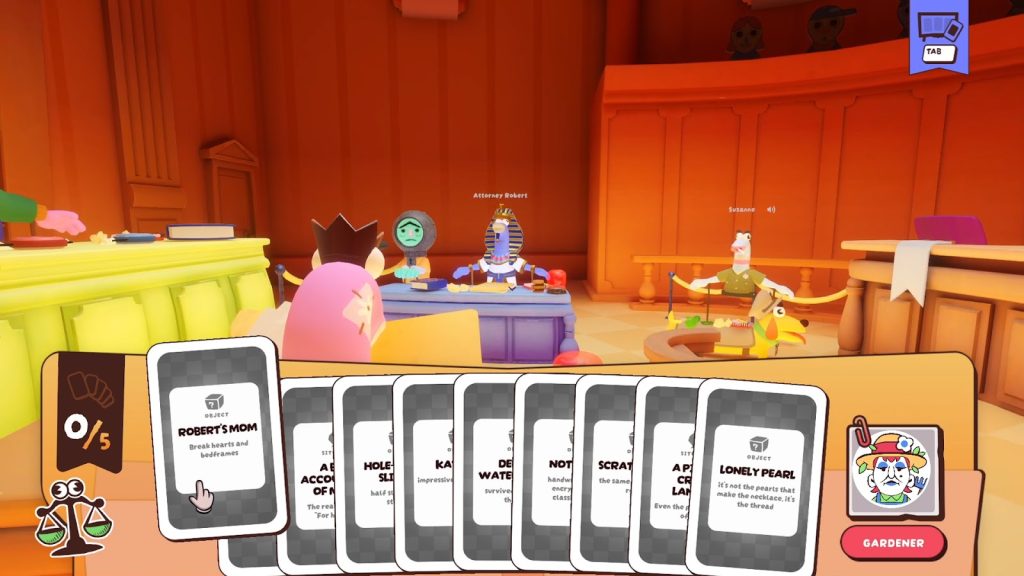
They present 5 Evidence cards out of 10 to construct a narrative of guilt.
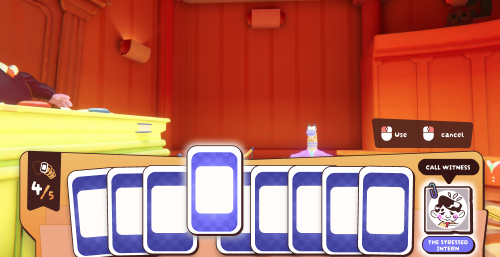
The prosecutor may, when it’s their turn, present a witness randomly selected from a global roster.
Clicking on the witness’s photo when it’s their turn sends a notification to the judge.
DEFENSE ATTORNEY
The defense attorney must prove the accused is innocent.
They also present 5 Evidence cards to argue innocence.
The defense attorney may, when it’s their turn, present a witness randomly selected from a global roster.
Clicking on the witness’s photo when it’s their turn sends a notification to the judge.
SECONDARY ROLES
WITNESS
Represents both prosecution and defense witnesses and provides supporting or opposing facts.
BAILIFF
He maintains order in the courtroom and has a range of tools to knock out unruly players. The judge can override the bailiff’s actions.
Blocks player actions, but they can still speak.

Stuns a player briefly.

Turns a player into a bird (they can't talk or act).
JOURNALIST
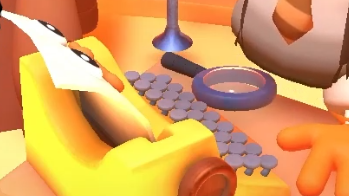
Can write 3 breaking news items per trial, usable as evidence. Click the typewriter to write.
JUROR
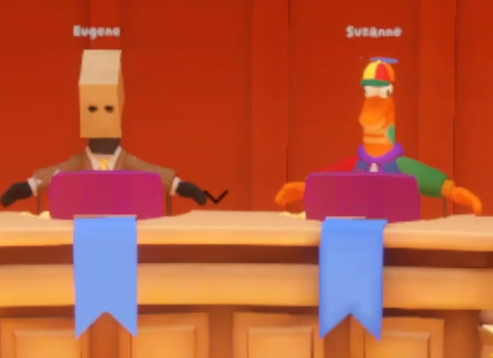
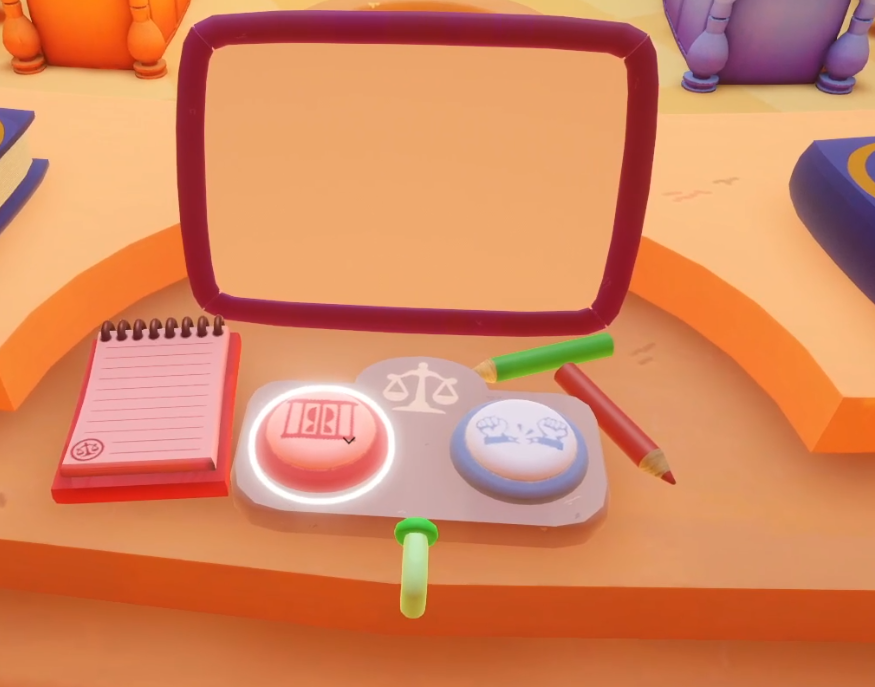
The jurors give their opinion on the guilt or innocence of the accused by pressing one of the buzzers in front of them.
Their verdict is displayed on the banner above their desk, facing the judge.
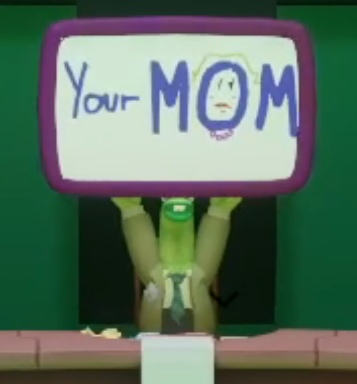
They can also draw on their slate by clicking on it, and show it to everyone by holding down the right SHIFT key.